
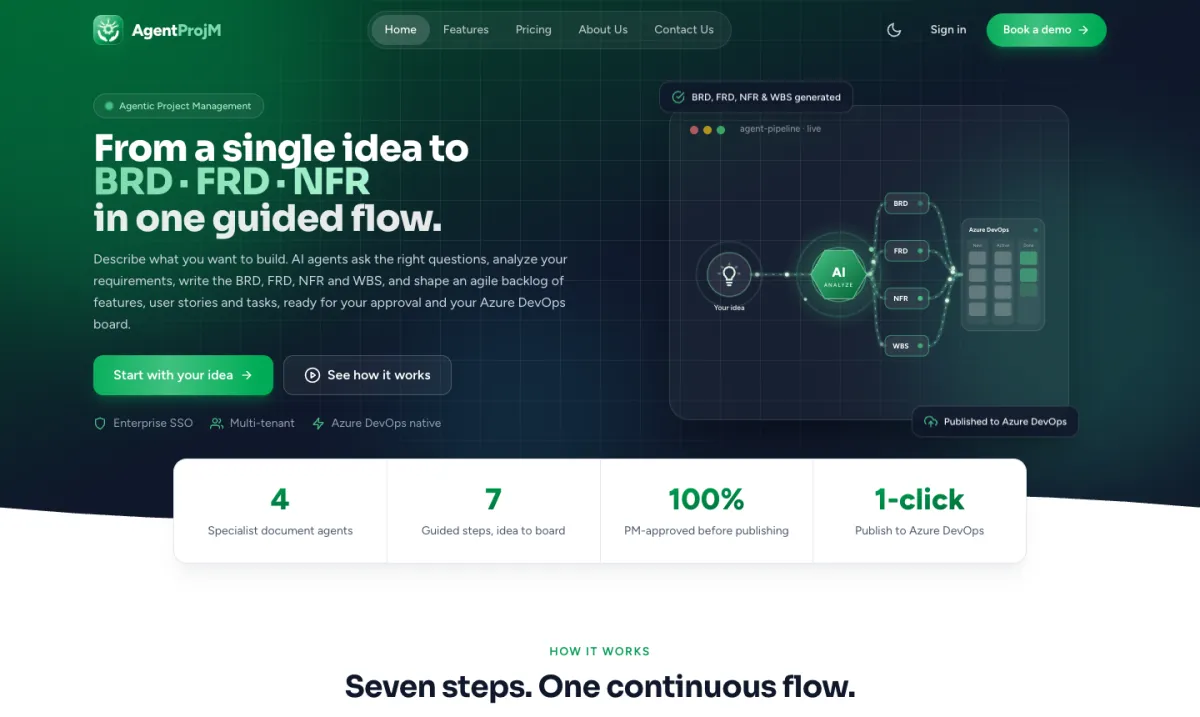
Agentic project management
AgentProjM
From a single idea to Azure DevOps in one guided flow.
Explore AgentProjMPlan the sprint, run the work on a Kanban board, follow every commit, pull request and branch in Repos, and keep every project document in the Wiki. Projam brings the full software delivery lifecycle into one workspace.
Built for agile software teams — so planning, code and documentation stop living in five different tools.
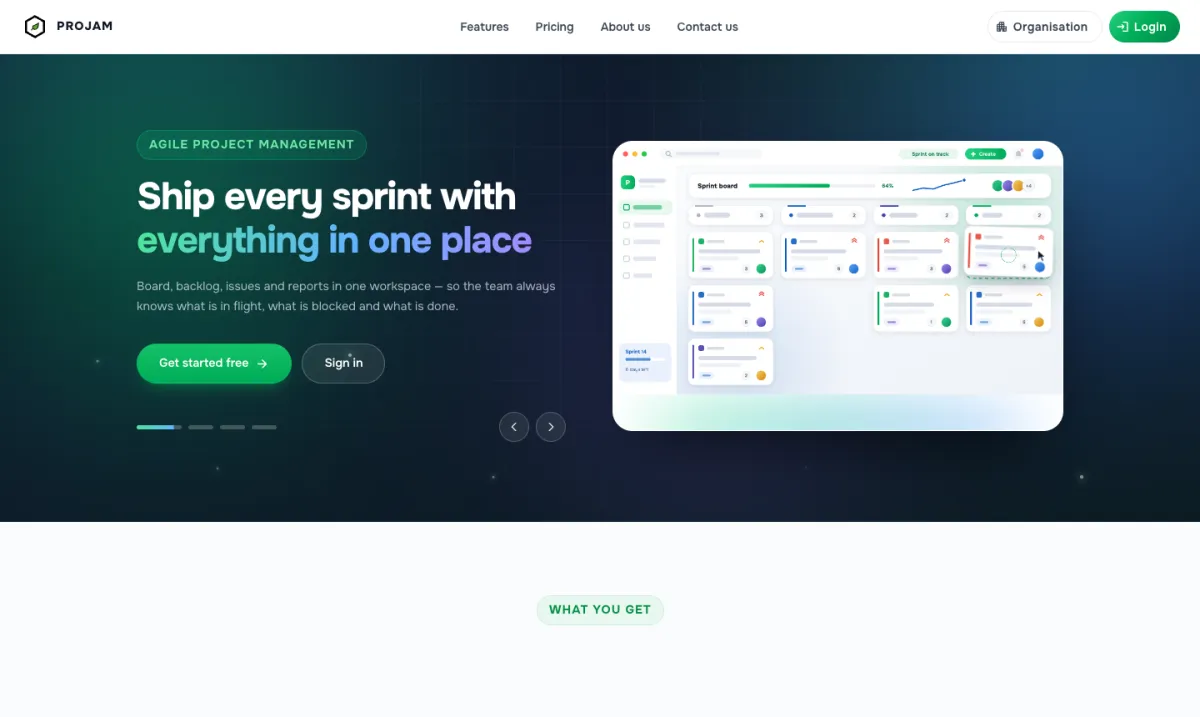
End-to-end
SDLC, sprint planning to execution
Kanban
Board on your own workflow
Repos
Commits, PRs and branches
Wiki
Every project document in one place
Most teams plan in one tool, track code in another and keep documents in a third. Projam puts the backlog, the Kanban board, the repositories and the project wiki side by side, so the whole lifecycle — and the reasoning behind it — stays together.
From the first backlog item to the merged pull request and the document that explains it.
Groom the backlog, estimate in story points, set priority, group work into epics, and start a sprint with a clear scope and end date.
Drag work across workflow columns you define. Story points, priority and assignee stay visible on every card, so stand-ups run straight from the board.
See every commit, pull request and branch for the project — what changed, who changed it and where it is in review — without leaving Projam.
Upload project documents and write pages for requirements, designs, decisions and runbooks, so all project information lives beside the work.
Remaining work against the ideal line, with breakdowns by status, assignee and type — sprint over sprint, so slippage shows up early.
Threaded comments, mentions and a field-by-field change history on every issue, with notifications in the app and by email.
Every stage of the SDLC, without switching tools.
Add work to the backlog, estimate and prioritise it, group it into epics, and start the sprint with a defined scope.
Move stories, tasks and bugs through your own workflow columns as the team works — progress updates as the board changes.
Follow the code as it lands: commits, branches and pull requests for the project, visible to the whole team.
Upload specs and documents and keep project pages up to date, so knowledge is captured while the work happens.
Watch the burn-down, close the sprint with everything accounted for, and roll unfinished work forward cleanly.
Commits, pull requests and branches sit in the same workspace as the sprint, so progress on the board and progress in the code can be read together.
Every commit for the project in one history — the message, the author and when it landed.
Open, in-review and merged pull requests at a glance, so it is clear what is waiting on review.
All active branches for the project, so the team can see what is being worked on and where.
Read the code activity next to the board and burn-down — no switching to another tool to see what shipped.
Upload project documents and keep project information in wiki pages, so nobody has to hunt through email, chat or shared drives.
Requirements, designs, specs, contracts and reports — uploaded to the project and available to the whole team.
Write and organise pages for project overviews, decisions, onboarding notes and runbooks.
Documentation lives in the same workspace as the backlog, board and repos, so context is never more than a click away.
Everyone in delivery needs something different from the same set of facts. Projam gives each role their own way in.
Scope, progress and risk in one view. Know what is committed, what has moved and what will not land — before the review, not during it.
Run planning, stand-up and retro from the same workspace. The board is the agenda; the burn-down is the evidence.
A clear queue of work with the code and documents attached — the issue, its branch and pull request, and the wiki page that explains it.
Delivery trends across projects and sprints, drawn from what teams actually did rather than a status slide assembled the night before.
Without Projam
With Projam
Sprint planning in one tool, the task board in another
Backlog, sprint planning and Kanban board in one workspace
Switching to the code host to see what actually shipped
Commits, pull requests and branches beside the sprint
Project documents scattered across email, chat and drives
A project wiki with every document and page in one place
Status reports assembled by hand before every review
Burn-down and reports that update as the board moves
Create a project, invite your team, connect the work, the code and the documents, and plan your first sprint in minutes — or let the team walk you through it.
From a single idea to Azure DevOps in one guided flow.
Explore AgentProjM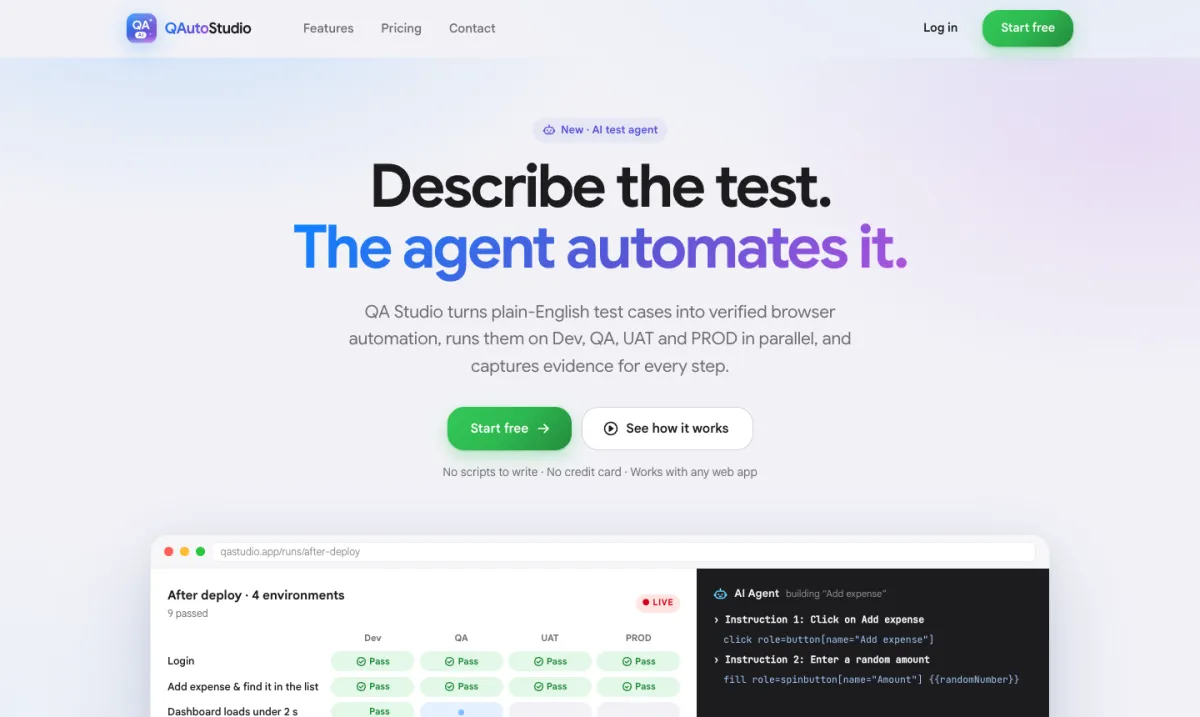
UI, Playwright, API, database and load testing — all through one AI agent.
Explore QAutoStudio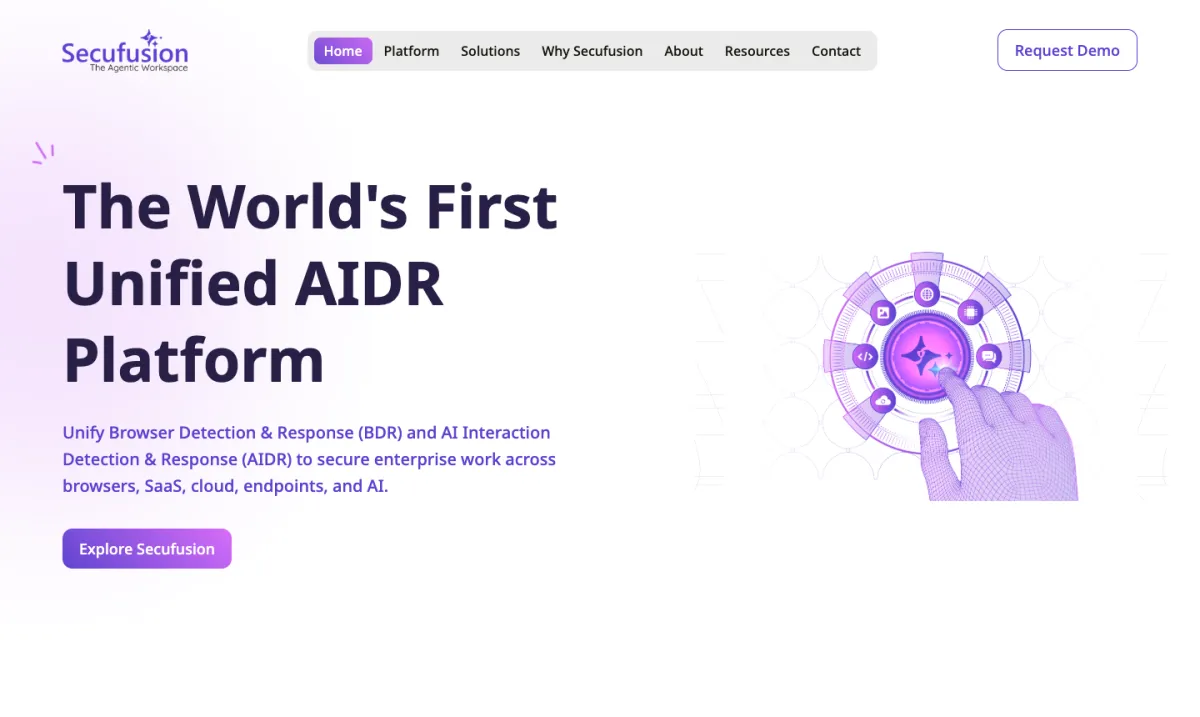
The world's first unified AIDR platform.
Explore Secufusion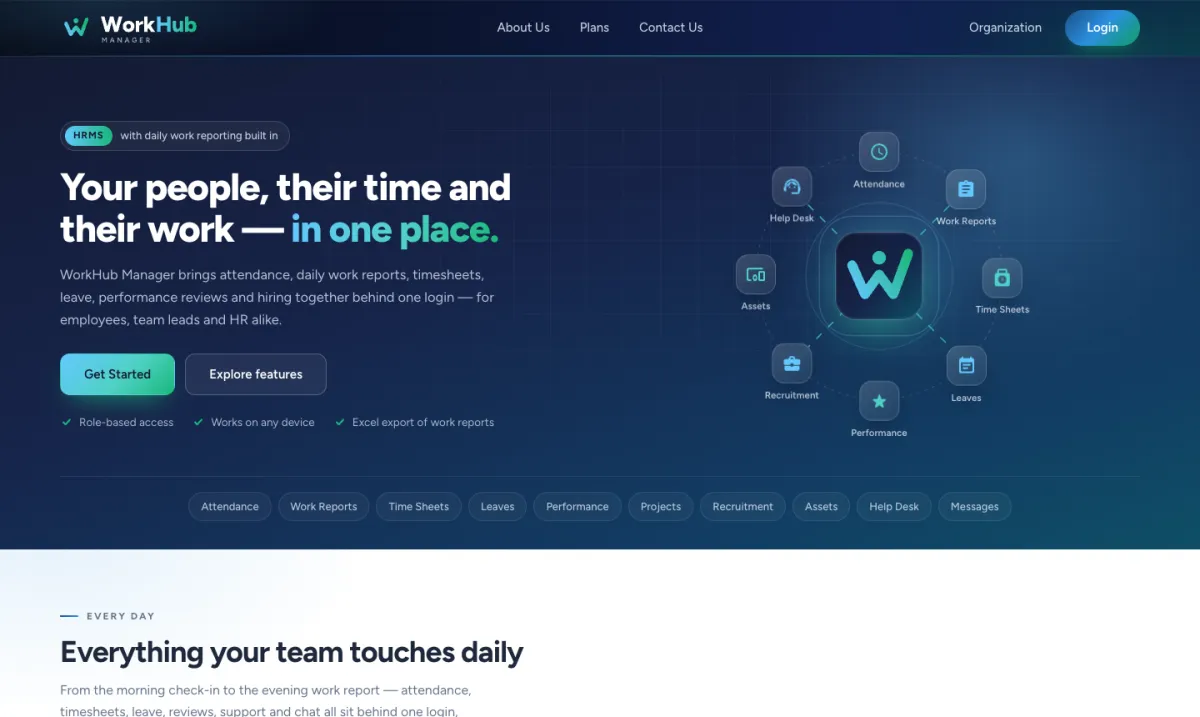
Agentic HRMS — tell the Action Agent what to do, and it handles it.
Explore WorkHub Manager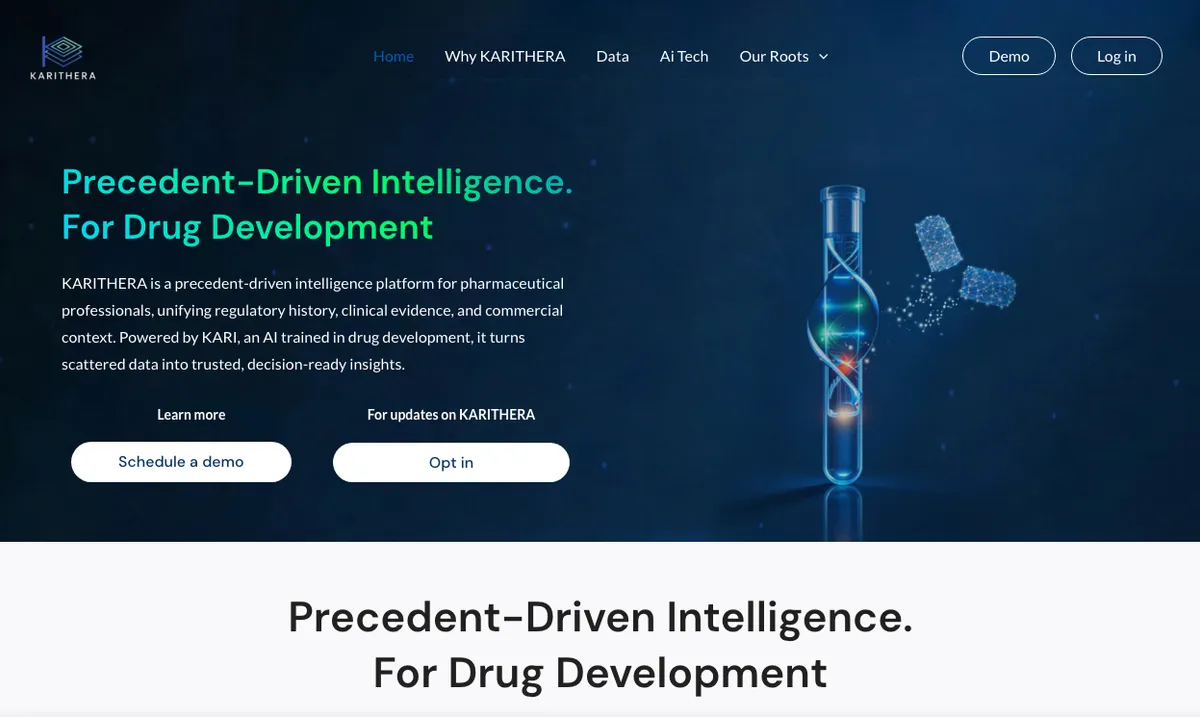
Precedent-driven intelligence for drug development.
Explore KARITHERA
Shelly, the AI vacation planning assistant, with the Budget Beach Finder™.
Explore AI Vacation Planner